A computer has parts. Each part has its own job. Here are four parts you will see a lot.
Real photo
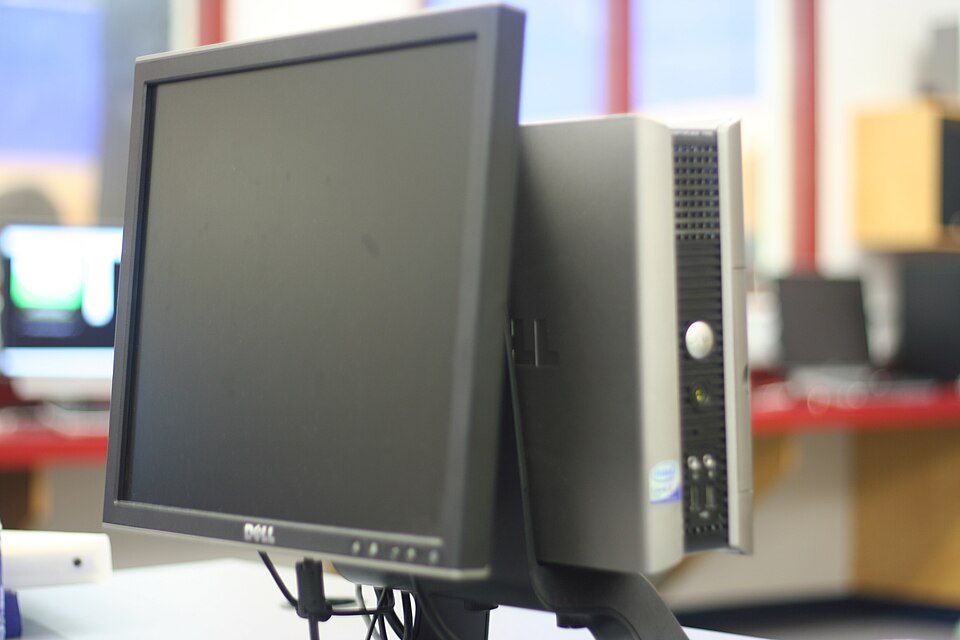
The screen shows
The screen shows pictures and words. It is the part you look at. You watch videos on the screen.
Real photo
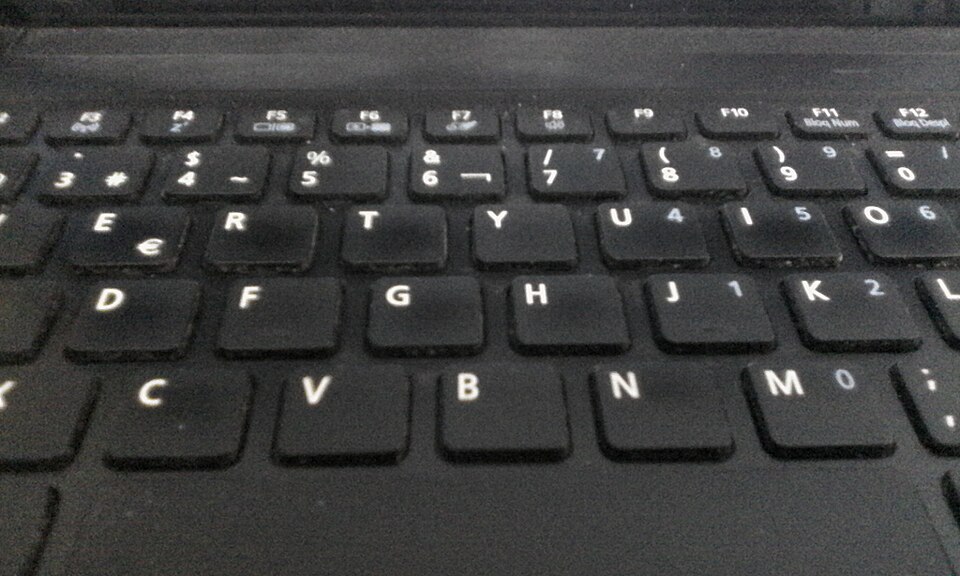
The keyboard types
The keyboard has keys with letters. Press the keys to type. It sends your words into the computer.
Real photo
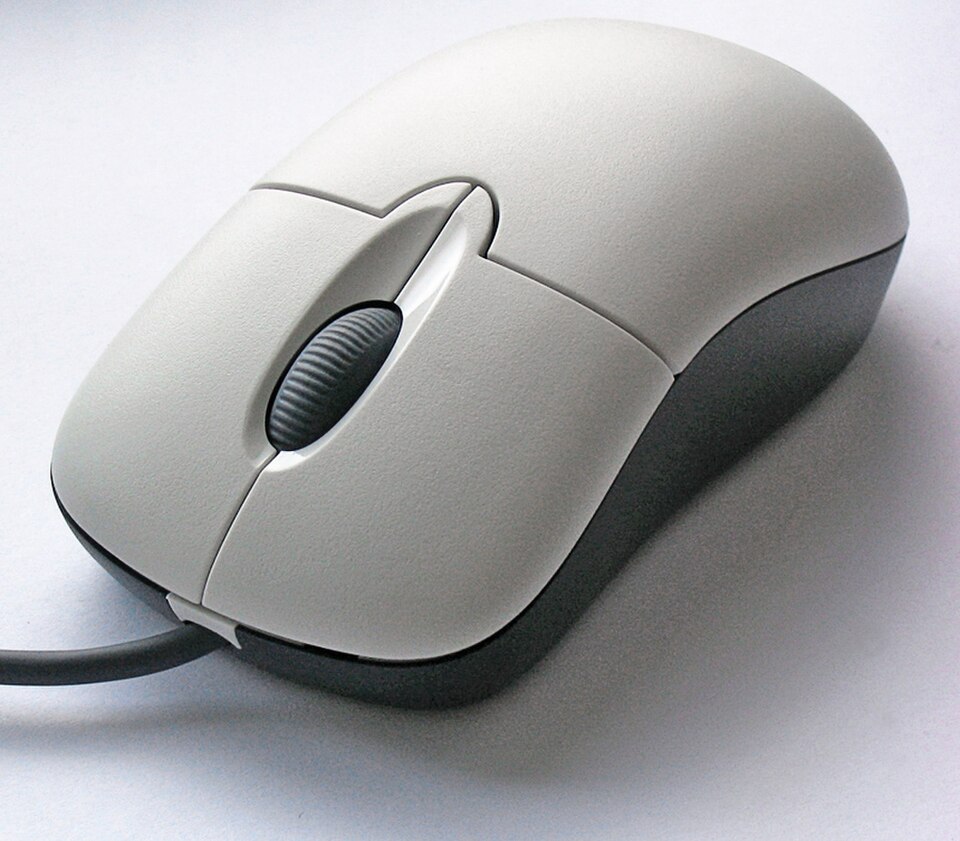
The mouse points and clicks
The mouse moves the arrow on the screen. Click to pick something.
Real photo
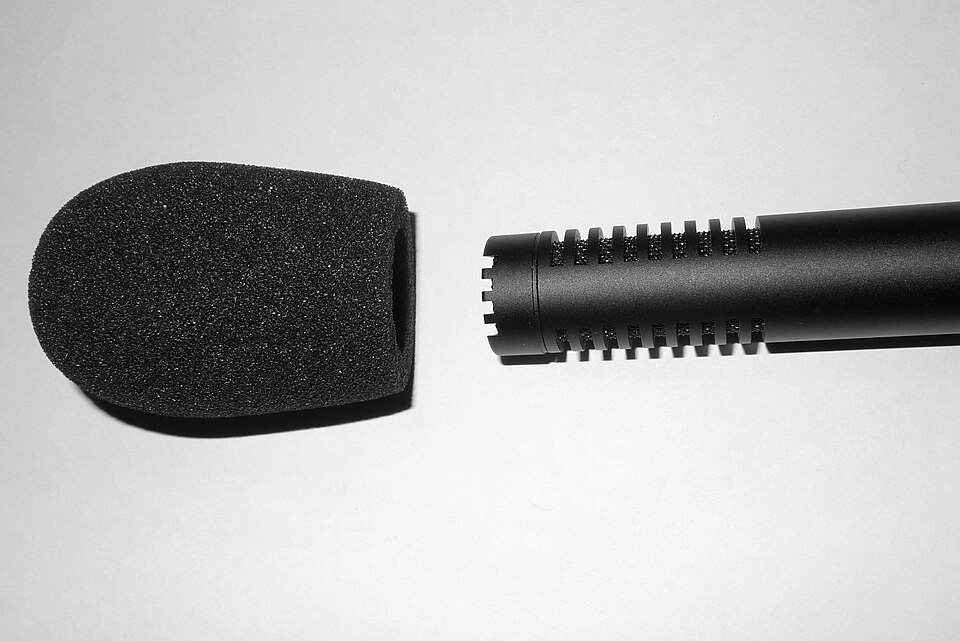
Hearing and talking
The speaker plays sound, like a song. The microphone hears your voice. You listen to one. You talk into the other.
1keyboardtype it
2screenread it
Parts work together
Mia types a story on the keyboard. Then she reads it on the screen. A tablet has no keys. You tap letters on its screen.
For parents
Goal: Your child learns the main parts of a computer, screen, keyboard, mouse, speaker and microphone, and what each one does. Then two short labs: sort parts that put things in from parts that give things out, and put the steps of making a story in order.
Point to each part on your own computer or tablet and ask: what is its job?
In the sorting lab, ask: does this part put things in, or give things out?
Show how a tablet uses the screen as a keyboard.
Away from the screen: Draw a computer together on paper. Your child labels the screen, keyboard, mouse and speaker, and acts out each job: look, type, click, listen.
 Real photo
 Real photo
 Real photo
 Real photo